
Busy? Here’s the 1-minute TLDR pitch video of the project.
Got time? Read on…
With Pinegraph, everyone is an artist.
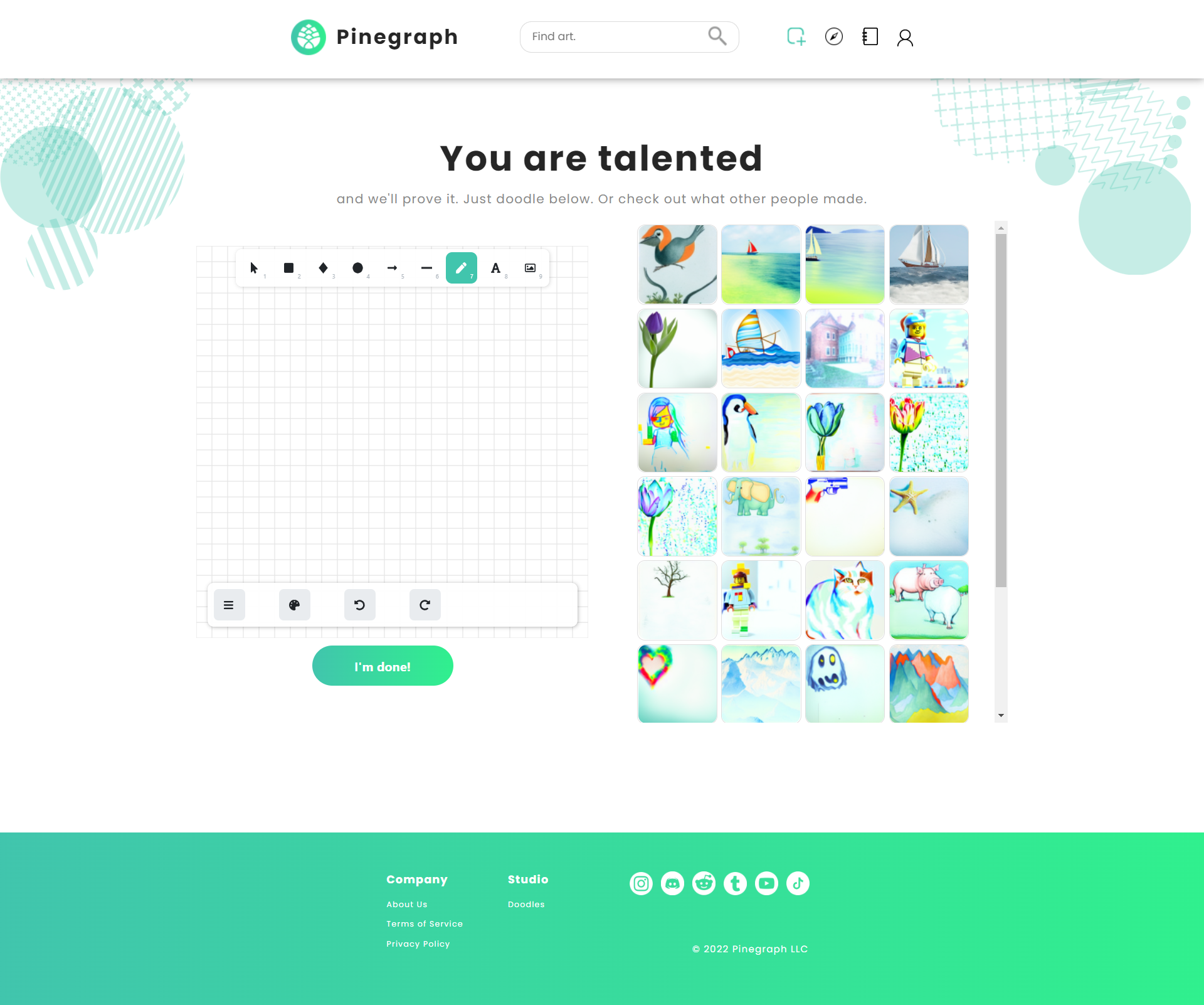
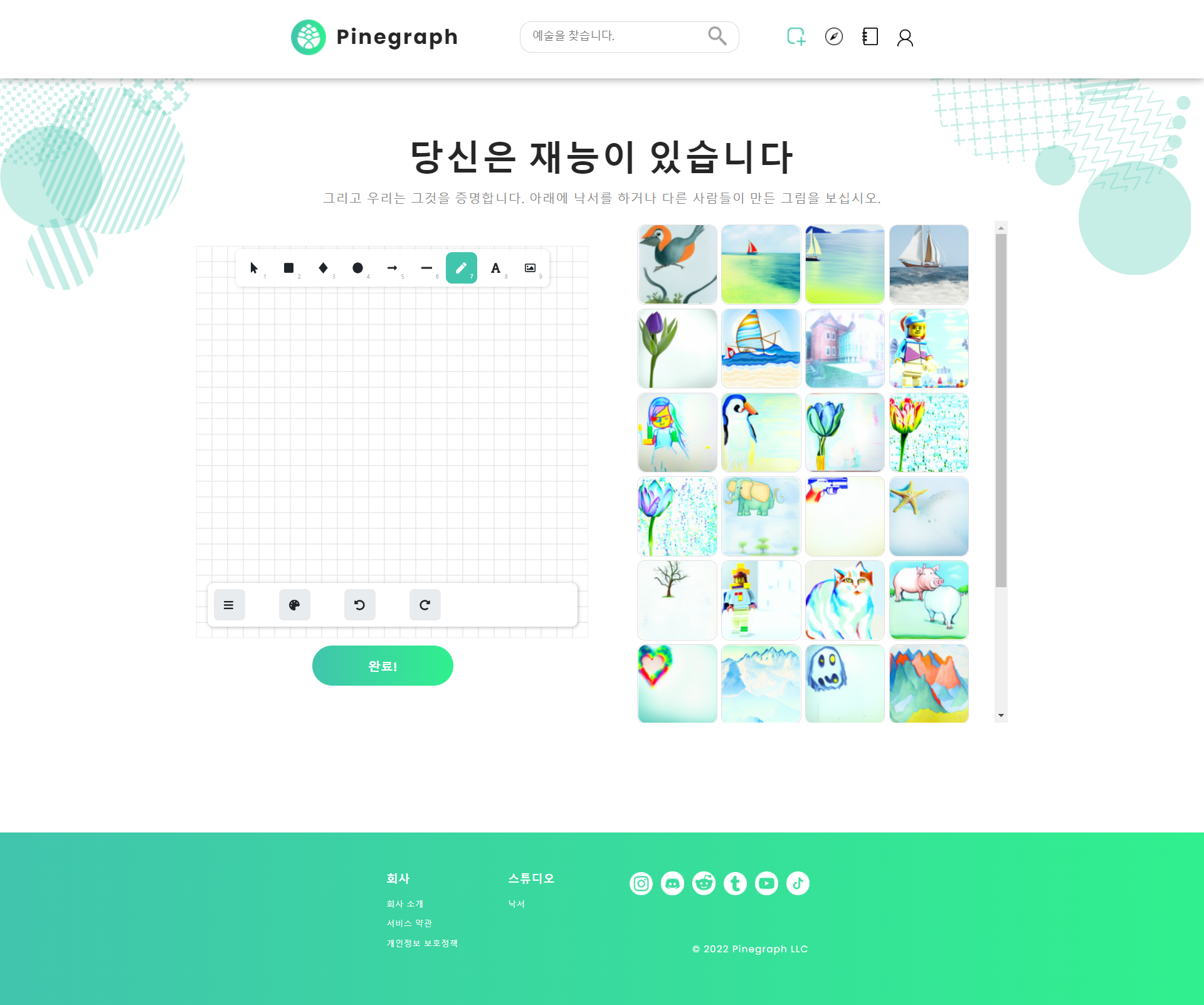
Pinegraph uses artificial intelligence to enhance digital sketches into one-of-a-kind artwork. Pinegraph was founded by my college dorm mate along with the help of senior FAANG engineers, UC Berkeley Alumni, and USC Alumni.
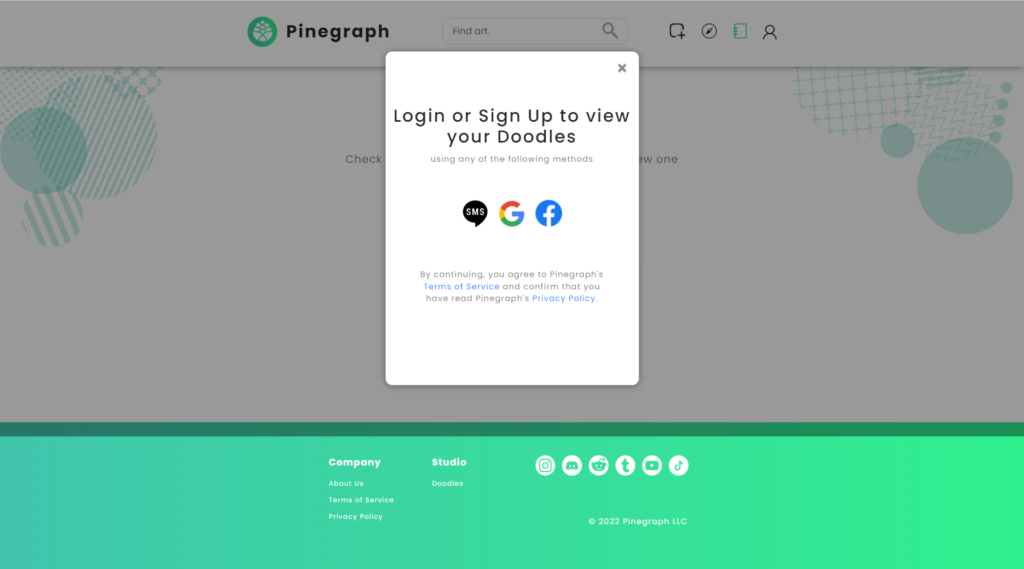
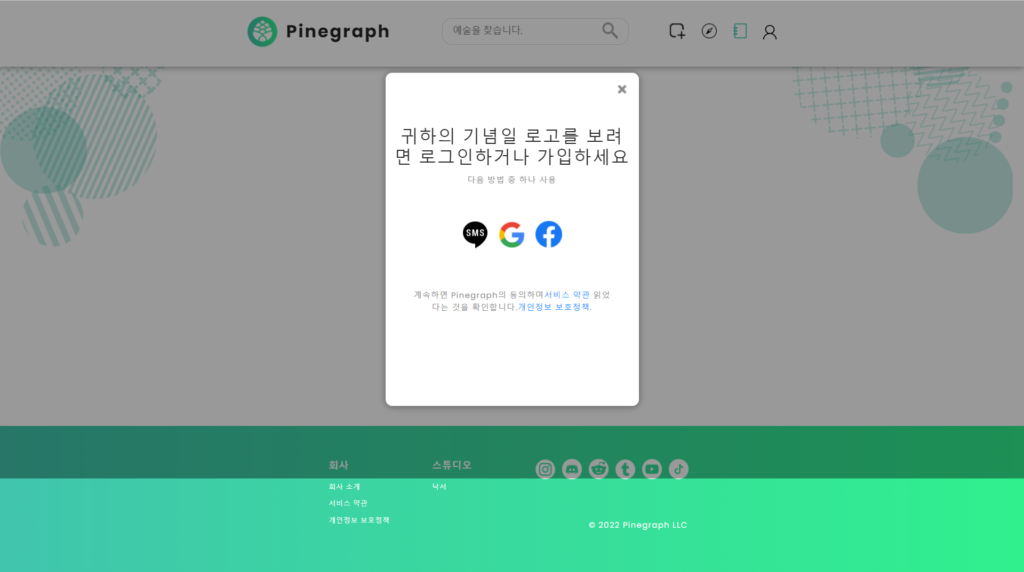
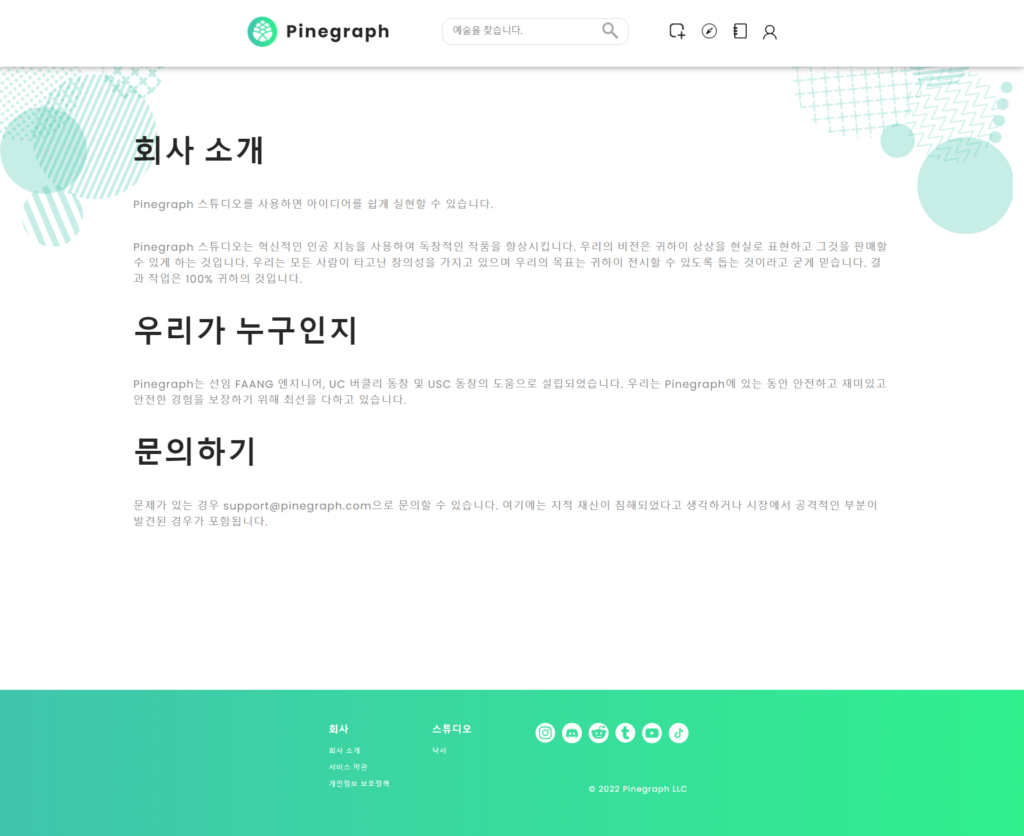
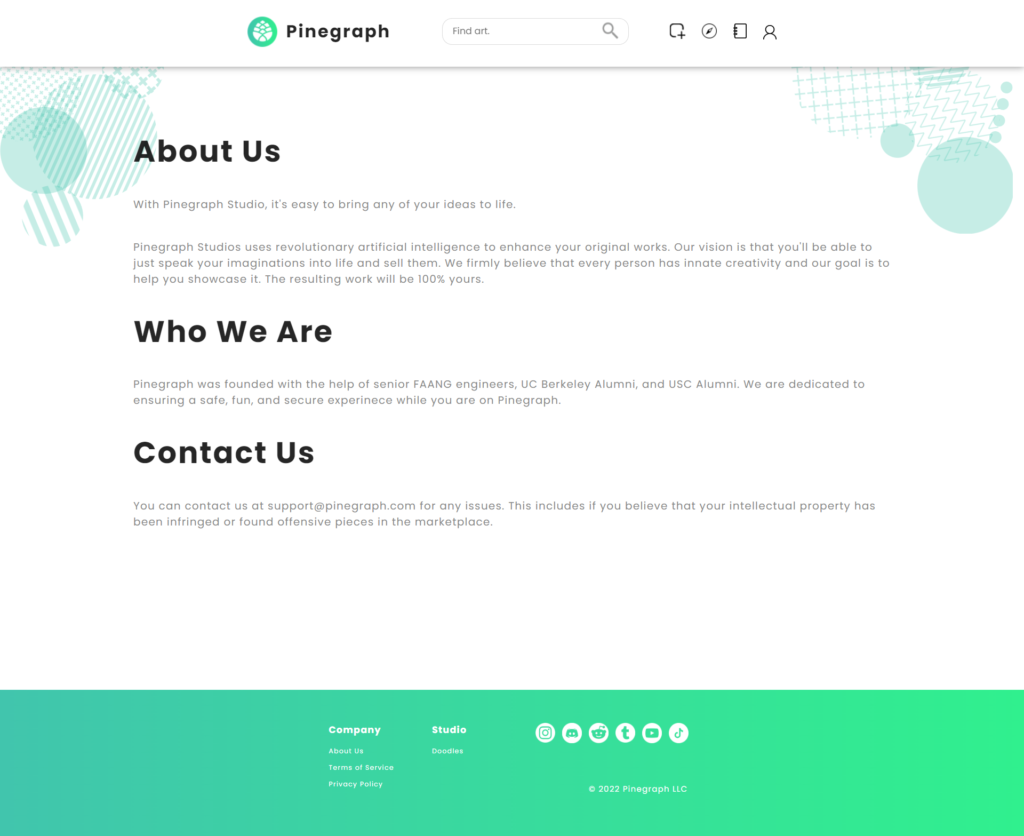
I joined the Pinegraph mission because I saw the potential the project could have on the emerging NFT (non-fungible token) art scene and realized the need for a starter localization framework.
Challenge
Internationalize and Localize Pinegraph into Korean using react-i18next internationalization framework.
Outcome
- Completed internationalization of the website’s source code and introduced industry best practices to a newly founded startup.
- Used post-editing of machine translation to conduct proof-of-concept localization of the website.
- Created linguistic assets (translation memory, term base) for Pinegraph
Project Details
Discovery
Before starting work on any project, a discovery session with the client, here Pinegraph, is key to defining the project’s success. In the discovery phase, we determine the scope of the project, localization needs, and internationalization considerations.
Quote
After understanding the needs of the project, I created a sample quote as an example to show the time and monetary costs associated with website localization.
| Description | Cost | Quantity | Price | Total |
|---|---|---|---|---|
| I18n engineering | $40/hour | 8 | $320 | |
| PEMT | $0.07/word | 10,654 words | $745.78 | |
| Create glossary | $40/hour | 1 | $40 | |
| Localization consultation | $40/hour | 1 | $40 | |
| Project Management | $40/hour | 2 | $80 | $1,225.78 |
Process
Given that the website was still under development, the localization strategy for Pinegraph was very much an agile localization, or continuous approach. We would have one idea of using the basic i18next framework, then I thought it would be better to separate the translation files by pages to keep things organized.
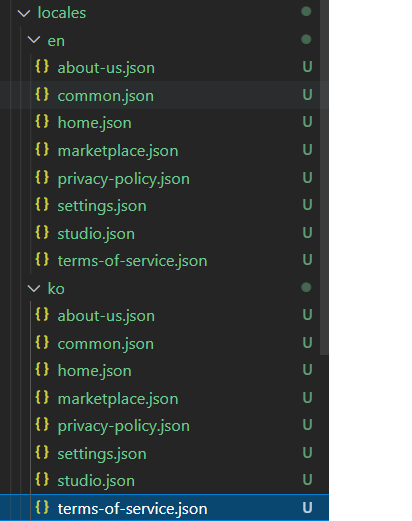
This led to a rabbit hole down lazy loading translations and using namespaces to call the files. But this didn’t work the way we wanted it to.
i18n.use(Backend)
	.use(LanguageDetector)
	.use(initReactI18next)
	.init({
		backend: {
			// translation file path
			loadPath: "/assets/i18n/{{ns}}/{{lng}}.json",
Then, we thought of another way of consolidating all the translations into one .json file but still separating them by page similar to the following:
{
"home":{
    "string1":"value1",
    "string2":"value2",
    "string3":"value3"}
"about":{
    "string1":"value1",
    "string2":"value2",
    "string3":"value3"}
}
Then, we decided to move beyond the basic way of creating translations in .json by having the same text for key and value, and introduce translation keys, which allow you to know exactly if a string has been translated or not. This proved to be a more robust internationalization solution. As for continuous localization, I am still working on how to bring the .ts language file into a CAT tool for translation.
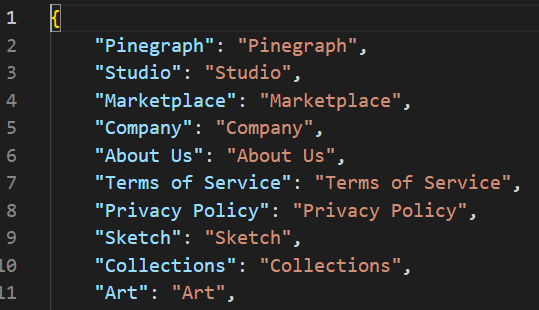
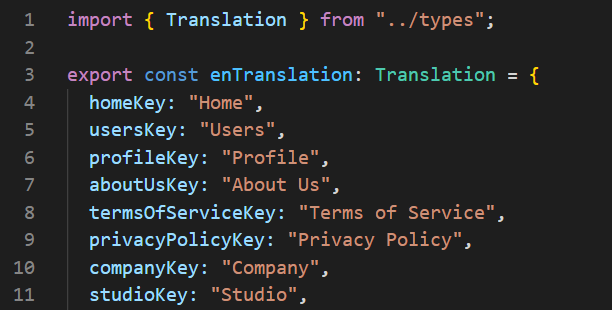
Overall, the process was one of discovery and iteration, improvement, relearning, and consulting with the client to decide on what changes made sense and which didn’t for Pinegraph.
Below is a visual representation of the steps taken throughout the process.

Considerations
Language Switcher
The client’s website currently has no language switcher. His initial idea was to use the browser language detection and automatically provide translations to the user based on their browser language preference.
When I suggested adding a language switcher, the client was hesitant. He wasn’t sure what the industry standard was. Initially, he was going to include changing languages as part of the settings – an action that would take 4 clicks for the user to access.
I then showed him examples of other similar websites that have a user portal. Industry standard shows that a section in the navigation bar or in the bottom footer are the most convenient locations for users to choose language. I also suggested that instead of using flags to denote language, we simply write the language name in English and in the native text to avoid association with the nation. This is because nations do not always represent languages and vice versa.
This consideration was a breakthrough because the client had not considered these localization issues before the consultation. It makes for a better user experience overall.
CAT Tool
The client wanted a proof of concept localization so at first he considered simply making it easy for me and suggested I use Google Translate then post-edit.
I resisted. Regardless of the stage of development, simply using Google Translate and copying directly into the file is a wasted opportunity to centralize and protect company assets.
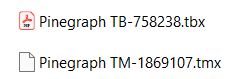
I’m talking about translation assets. Translation memory and term base. Even in the early stages as the website content continues to change, if the client is able to keep a record of their translations and term base, this will make it much easier down the line to manage continuous localization.
Deliverables
We added i18next to the website and I localized the entire website into Korean using post-edited machine translation in Memsource.
The translation memory and term base will be provided to the client for future use.
To Be Continued
As of the time of writing, Pinegraph is still under development and is not ready for commercial use. We plan on coding a text-based language switcher as soon as all planned languages have completed linguistic QA. I plan on also looking into affordable translation technology tools the client can use to make translations more accessible to future contributors to the project.